
First, enter full-screen mode for the best experience (found in the top right corner of the map and looks a like the image below.)

Second, locate the filter checkboxes on the left side of the screen.
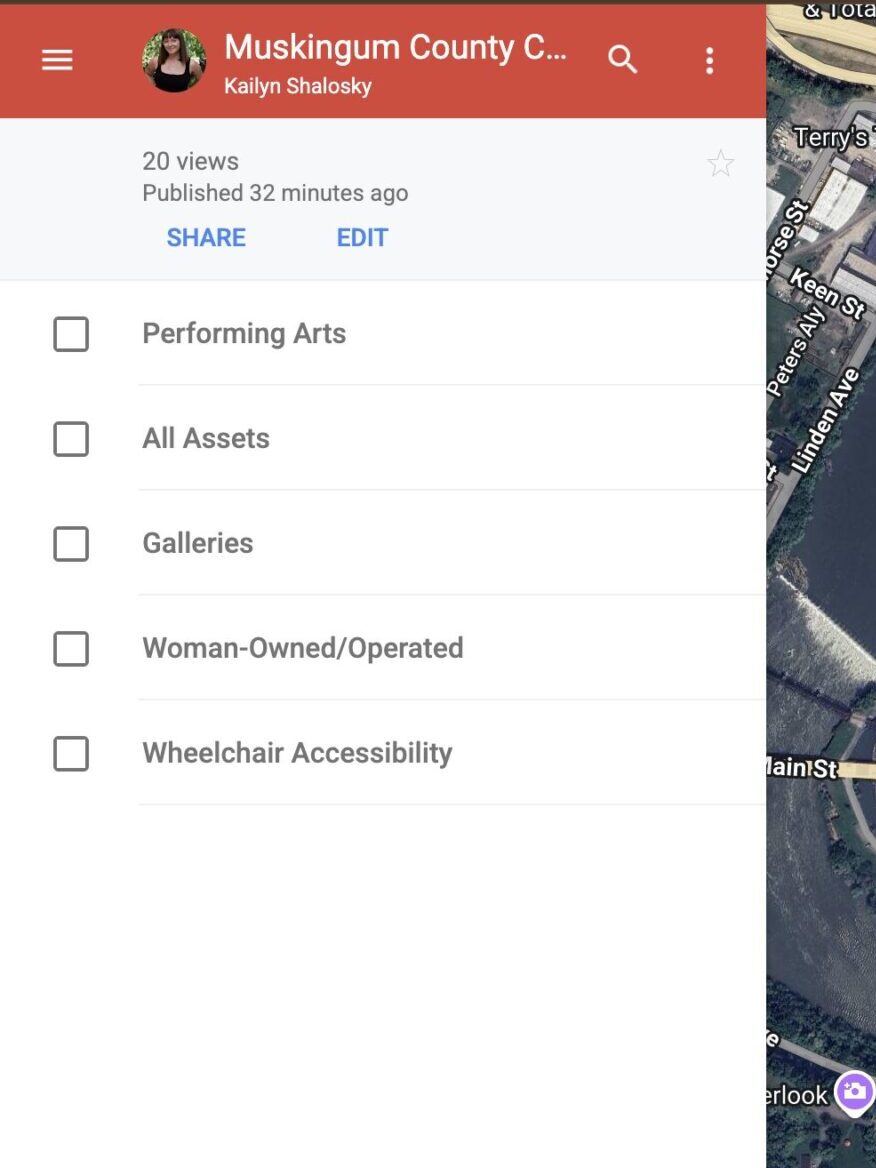
Third, select the filters that match what you’re looking for (such as galleries, accessibility features, or ownership categories).
Fourth, explore the map and click on the icon to view more information about that cultural asset.
If you still have questions or need assistance, please contact Kailyn at
kailyn@artsmuskingum.com.